Four ways to build on WorkTrust.
One command couples your computer.
It finds your AI coding tools, asks before it changes anything, and you approve the computer in your browser.
- Claude Code
- Codex
- Gemini CLI
- Cursor
- VS Code
The only official package is worktrust, published by worktrustio with provenance.
Your AI assistants, connected.
Claude, ChatGPT, Gemini, Le Chat, Grok and Perplexity connect over MCP.
- Submissions onlyAn assistant can add work to the record. It cannot read it.
- A receipt, not the recordEvery answer confirms what arrived, nothing more.
- Signed in as youOAuth with your own account, at https://app.worktrust.io/api/mcp.
Verify a record with one call.
Signed answers, published keys and a revocation status, from your ATS or your own systems.
{
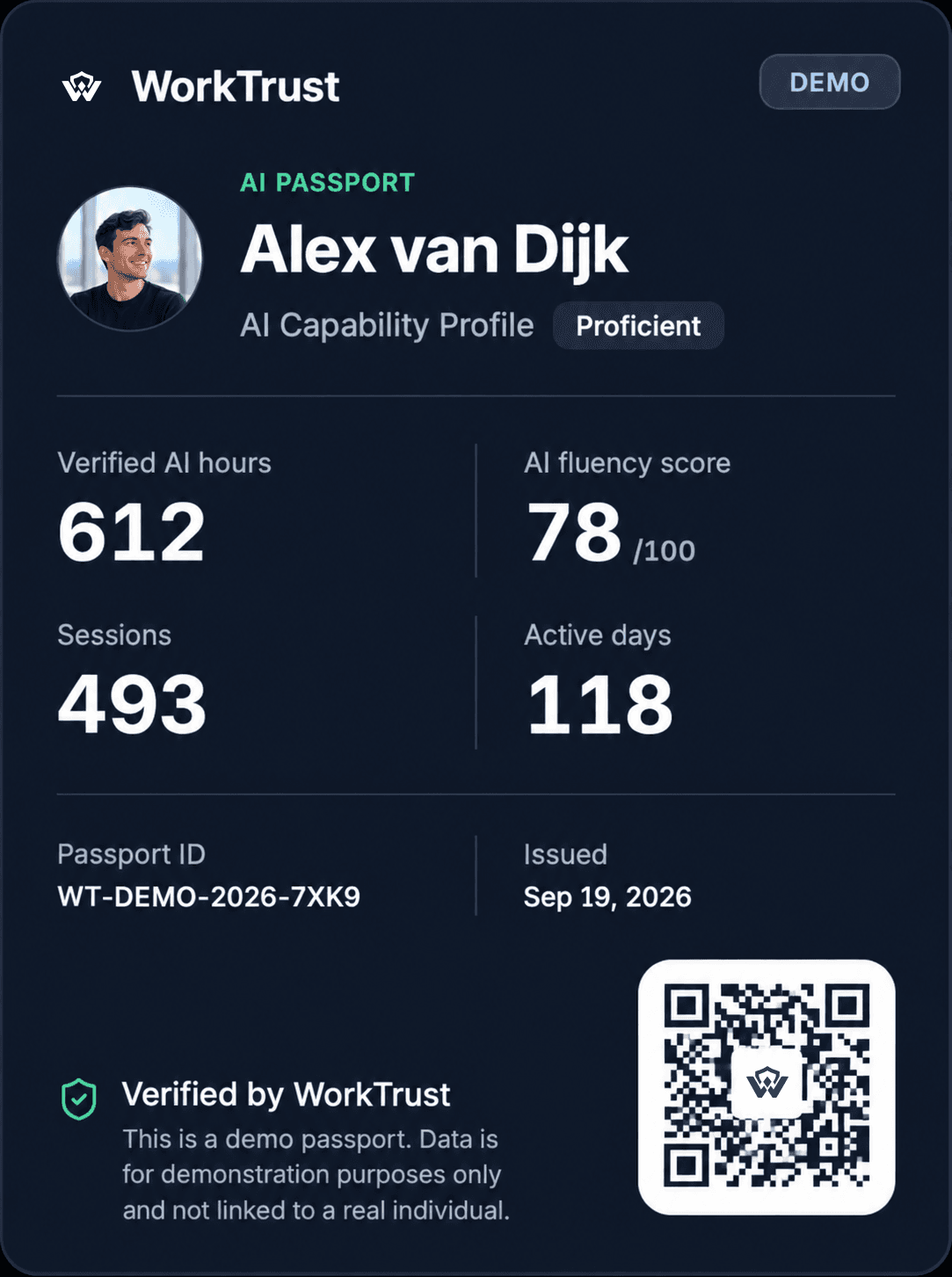
  "verificationId": "WT-DEMO-2026-7XK9",
  "verification": { "state": "signed" },
  "revocation": "valid",
  "summary": { "verifiedHours": 612, "fresh": true },
  "keys": "/.well-known/worktrust-keys.json"
}
Let people bring their passport to your platform.
Two elements and a signed answer your server checks.
<script type="module" src="/assets/worktrust-connect.js"></script>

<worktrust-connect href="…your authorisation address…"></worktrust-connect>
<worktrust-passport></worktrust-passport>
Developers
Build with WorkTrust.
One command for your computer, one door for your AI assistants, one call to verify a record.
$npx worktrust- npx worktrust history
- Send earlier sessions, after asking
- npx worktrust status
- What is coupled on this computer
- npx worktrust disconnect
- Take it out again
Build on
Everything you can build on.
What answers today, and what is planned, said as such.
CLI
npx worktrust connect pairs a computer and its coding tools.
MCP
One door for AI assistants. It takes submissions and answers with a receipt.
OAuth
Connect WorkTrust: a platform asks a person's consent to show their passport.
Verification API
Check any passport: signatures, withdrawal status and a summary.
Apps and integrations
GitHub, GitLab, Vercel, Hugging Face, Supabase and more, all read-only.
VS Code extension
Counts working time in the editor, never the code.
SDK (planned)
A typed client for the API. Not available yet.
Webhooks (planned)
Notifications when a shared passport changes. Not available yet.
Your AI history today
Don't let your AI experience disappear.
You may spend thousands of hours working with AI, while many tools delete that history on their own.
$npx worktrust@latest preserve- preserve
- Shows how long each AI app here keeps its sessions
- [y/N]
- Asks before each step; backs files up first; Enter is No
No account, nothing is sent.