Preserve now. Verify later.
Don't lose your AI work history.
AI tools were not built to keep your professional history. Claude Code and Gemini CLI delete sessions after 30 days by default. Keep a portable record of your AI-assisted work: privately on your own computer, or verified through WorkTrust.
No source code needed·No prompts needed·Your history belongs to you
Today, by default
- Claude Code30 days
- Gemini CLI30 days
- Hermes Agent90 days
- Other toolsVaries
With preservation
- Free guidelineYou decide
- WorkTrust CLIContinuous
Three routes
Choose how far you want to go.
Doing nothing is a choice too. The guideline keeps everything on your computer. The CLI keeps it and turns it into verified evidence.
01Do nothing
Use AI as usual
- Claude, Gemini, Codex, Hermes …
- The tool's own retention
- History may disappear
Your AI work footprint can be lost.
- 30 to 90 days in several tools
02Free guideline
Keep everything yourself
- Your AI tools
- The preservation guideline
- Your own computer
- A long-term metadata archive
WorkTrust cannot see this data.
- Local only
- No account needed
- No prompts or code
- Open and portable
03WorkTrust CLI
Preserve and verify automatically
- Your AI tools
- WorkTrust CLI
- Sessions, models, tokens, tools, agents
- Hash chain and signed daily roots
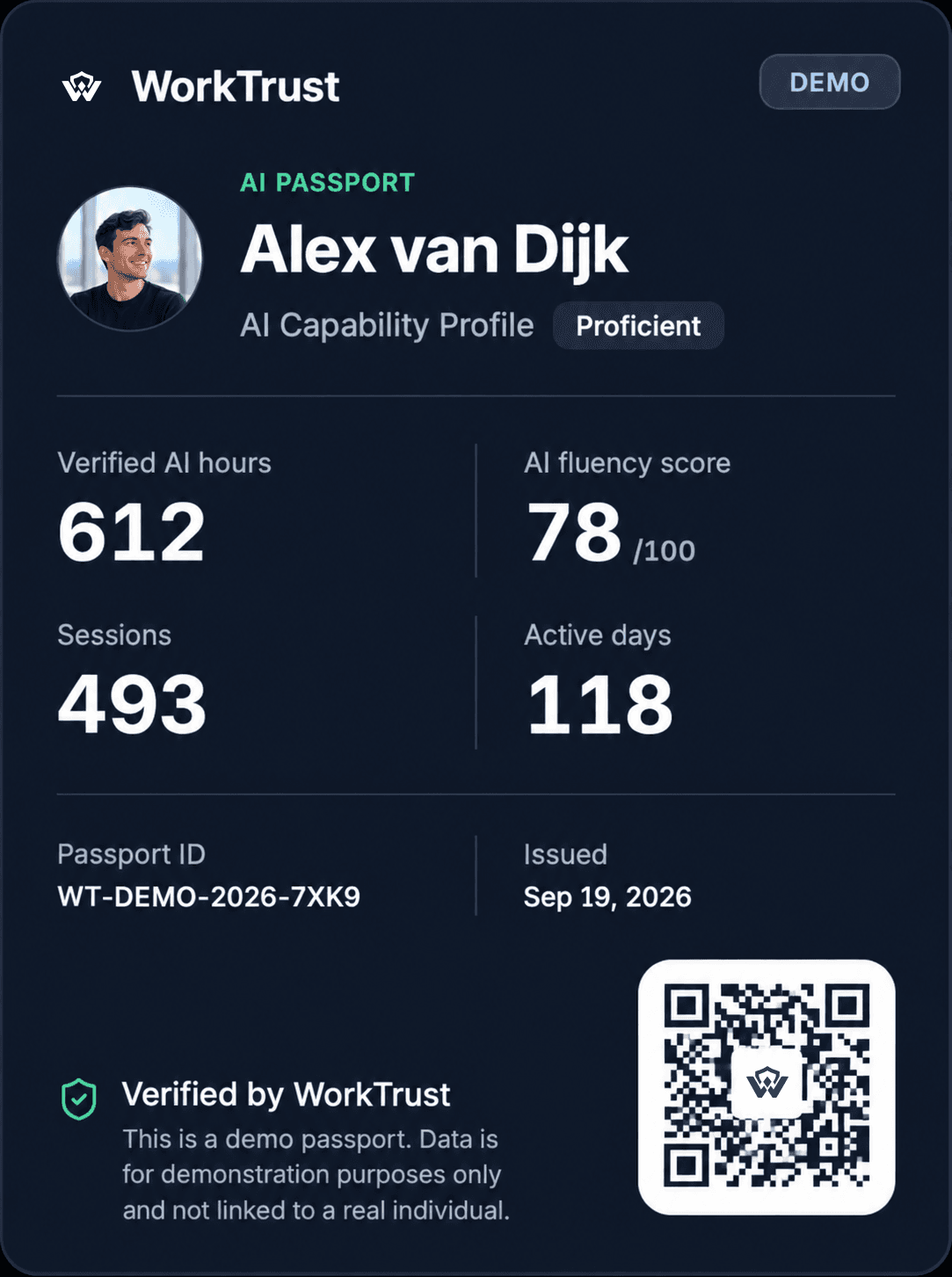
- Your AI Passport
WorkTrust receives metadata only: counts, times and hashes.
- Metadata and totals
- Hashes
- Device-signed
- Never prompts, code or files
What your tools keep
Every tool decides for itself.
What each tool keeps by default, the model behind it, and the setting that keeps your history longer. From each vendor's own documentation.
| Tool | Model | Kept by default | Keep it longer | WorkTrust | Source |
|---|---|---|---|---|---|
| Claude Code | Claude (Anthropic) | 30 days | cleanupPeriodDays: 3650Set by preserve --apply | Measured by the CLI | DocsClaude Code documentation |
| Gemini CLI | Gemini (Google) | 30 days | sessionRetention.enabled: falseSet by preserve --apply | Through a connector | DocsGemini CLI documentation |
| HeHermes Agent | Several providers | 90 days | sessions.auto_prune: false | Measured by the CLI | DocsHermes Agent documentation |
| Codex CLI | GPT (OpenAI) | Not documented | No setting documented | Measured by the CLI | DocsCodex CLI documentation |
| CuCursor | Several providers | Not documented | No setting documented | Measured by the CLI | DocsCursor documentation |
| GitHub Copilot Chat | Several providers | Not documented | chat.sessionSync.enabled: false | Measured by the CLI | DocsGitHub Copilot Chat documentation |
| ChatGPT | GPT (OpenAI) | Until you delete | No setting documented | Through a connector | DocsChatGPT documentation |
| Claude.ai | Claude (Anthropic) | Until you delete | No setting documented | Through a connector | DocsClaude.ai documentation |
| Perplexity | Several providers | Until you delete | No setting documented | Through a connector | DocsPerplexity documentation |
Checked against each vendor's documentation on 6 October 2026. Not documented means the vendor states no retention; it does not mean forever.
Side by side
Keep your AI work history.
Your AI experience should not disappear because a tool deletes old sessions.
| Question | No preservation | WorkTrust guideline | WorkTrust CLI |
|---|---|---|---|
| AI session history | PartlyUp to the tool | YesKept on your computer | YesRecorded as you work |
| Retention | No30 or 90 days, or the tool decides | YesAs long as you choose | YesAs long as you choose |
| Ownership | NoThe provider decides | YesYours entirely | YesYours, verified through WorkTrust |
| Where it lives | PartlyThe provider or the tool | YesYour computer only | YesYour computer, plus selected metadata |
| WorkTrust access | YesNone | YesNone | PartlyOnly metadata you authorise |
| Prompts and source code | PartlyUp to the tool | YesNot needed | YesNever sent |
| Token history | PartlyCan disappear | YesKept when the tool records it | YesCounted automatically |
| Tool and agent calls | PartlyCan disappear | YesKept when the tool records it | YesMeasured automatically |
| Git evidence | NoSeparate | YesKept | YesCorrelated |
| Cryptographic integrity | NoNone | YesHash chain, on your computer | YesHash chain and signed daily roots |
| Import later | PartlyLimited | YesYes | YesAutomatic |
| Verification | NoNone | PartlyHistorical evidence | YesObserved evidence |
| AI Passport | NoNo | PartlyLater, if you want | YesYes |
Privacy
You decide what leaves your computer.
With the guideline everything stays yours. With the CLI you share checked evidence, never the work itself.
Guideline
WorkTrust CLI
Open models
Models change. Your work history shouldn't.
Llama, Qwen, Mistral and DeepSeek keep nothing themselves. The runtime or the host decides what is kept, and often that is nothing at all.
- LM StudioNot documentedKeeps chats locally as JSON under ~/.lmstudio/conversations. No retention documented.DocsLM Studio documentation
- OllamaNothing keptKeeps no history of what you asked. A collector is needed.DocsOllama documentation
- llama.cppNothing keptThe server keeps no history; its web interface stores chats in your browser.Docsllama.cpp documentation
- vLLMNothing keptNo request history; token and latency metrics for a collector to read.DocsvLLM documentation
- Hugging Face Inference Endpoints30 daysOperational logs for 30 days; payloads and tokens are not stored.DocsHugging Face Inference Endpoints documentation
- Hugging Face Inference Providers30 daysLogs for up to 30 days; request and response bodies are not stored.DocsHugging Face Inference Providers documentation
Your models and prompts can stay entirely on your own servers. WorkTrust only needs privacy-preserving counts or cryptographic proofs.
Digital continuity
Your AI work is becoming part of your professional identity.
Interfaces, logs and even providers will change. Your record should not have to.
- 2026Claude and Gemini
- 2027Codex and internal agents
- 2028Enterprise AI
- 2029New agent platforms
- 2030What comes next
One continuous professional history
Free download
Preserve your history today.
The guideline and the preserve tool in one archive. It runs on your computer, needs no account and opens no network connection. Inspect it before you run it.
WorkTrust preservation kit
- The guideline: what to keep, what never to keep, and how
- Settings per tool, such as Claude Code's 30-day cleanup switched off
- A metadata-only archive with a hash chain and daily roots
- A check that tells you whether anything was changed afterwards
Compare the checksum before you open it:
sha256 e6e03aeb277e0d6ce90f41701012559499c33ed1da344694270088c2dc8680bbOr run it with npm
The same tool ships in the WorkTrust CLI. Without an account it works locally only.
$npx worktrust@latest preservenpx worktrust@latest preservewalks every step: the report, then asks to keep the settings and a local archive--applykeeps history longer, after a yes per change--archivewrites the metadata archive to ~/AI-Evidence--verifychecks the archive's chain and signatures

Preserve now. Verify later.
Start with your own computer. Verify when somebody asks what you have done with AI.